Never lose
the thread.
Recall reconstructs what you were working on — the tabs, the files, the half-finished chat — and hands it back the moment you return. One keystroke. 100% on your machine.
no cloud · no telemetry · plain files you can read and delete
- 01Local-first— nothing leaves your machine
- 02Deterministic— same events in, same memory out
- 03Inspectable— plain files — cat, grep, rm
- 04Budgeted— speed enforced by the test suite
- 05Calm— no badges, no feed, no noise
Watch the thread break, then come back.
Not a video — the interface itself, acting it out. Your scroll is the playhead.
You're deep in it.
Three tabs, a file half-written, one good question in a chat. The shape of the thing is finally forming.
Then the day happens.
A standup. A customer call. Someone's quick question that wasn't. The windows close, one by one.
You come back to nothing.
Clean desk, empty head. The work is somewhere — in history, in downloads, in a chat you can't name. The thread is gone.
One keystroke. All of it, back.
⌃ space. The file opens, the chat returns, the tabs line up in the order you need them. Recall kept the thread.
the thread.
Everything you need. Nothing watching you.
Recall captures the shape of your work — never the content of your screen — and turns it into something you can return to.
Capture that reads like a logbook
Visits, searches, chats, file opens, attention. Plain JSONL on your disk — auditable with cat, deletable with rm.
Private sites stay private
One click excludes a domain forever. Pause everything for an hour from the toolbar.
Work-blocks, not clock windows
Dwell and focus group your day behaviourally — the way it actually happened.
Restore is choreographed
Enter doesn't explode ten tabs at you. Work reopens in order, staggered, so you re-enter the room the way you left it.
Search memory and disk together
One query spans what you saw and what you saved — episodic memory plus semantic file search over folders you choose.
One keystroke away
Summon it over any app. Re-record the hotkey live in settings — it can never end up unreachable.
One engine, every surface.
Everything you do flows into one deterministic engine on loopback — through seven layers, and back out to every surface you summon.
A quiet witness,
with a perfect memory.
The extension is how Recall sees your browsing — and it is deliberately small. It reads the URL and title of pages you visit, recognises searches and AI conversations, and hands them to the daemon on your machine. It cannot read page contents, and it cannot talk to any other server.
- ✕Never page contents — the DOM is never read.
- ✕Never incognito windows, ever.
- ✕Never sites on your exclude list.
- ✕Never any server except 127.0.0.1:4545 — the browser physically refuses.
Install the app
Download Recall for macOS or Windows — the daemon starts with your machine and holds your memory.
Add the extension
Chrome, Edge, Brave or Arc — one click, two permissions, one loopback origin.
Forget about it
The toolbar icon is a glance surface: your strongest thread, today's trail, and proof that everything stayed local.
And the browser is only the first source. Memory has one door — a loopback API — so anything you work in can feed it.
Three steps, no build.
It ships pre-built — no Node, no compiler. Download the ZIP, unzip it, load it unpacked. Chrome, Edge, Brave or Arc.
Download the extension →- 01Unzip the folder somewhere you'll keep it — moving it later uninstalls the extension.
- 02Open
chrome://extensionsand turn on Developer mode. - 03Hit Load unpacked, pick the folder — the icon lights up once Recall is running.
One memory, every screen.
The console reads straight from the daemon on loopback — every engine layer, today’s rhythm, the threads you’re carrying, and the live tail. Your own browser, 127.0.0.1:4545, zero proxying.
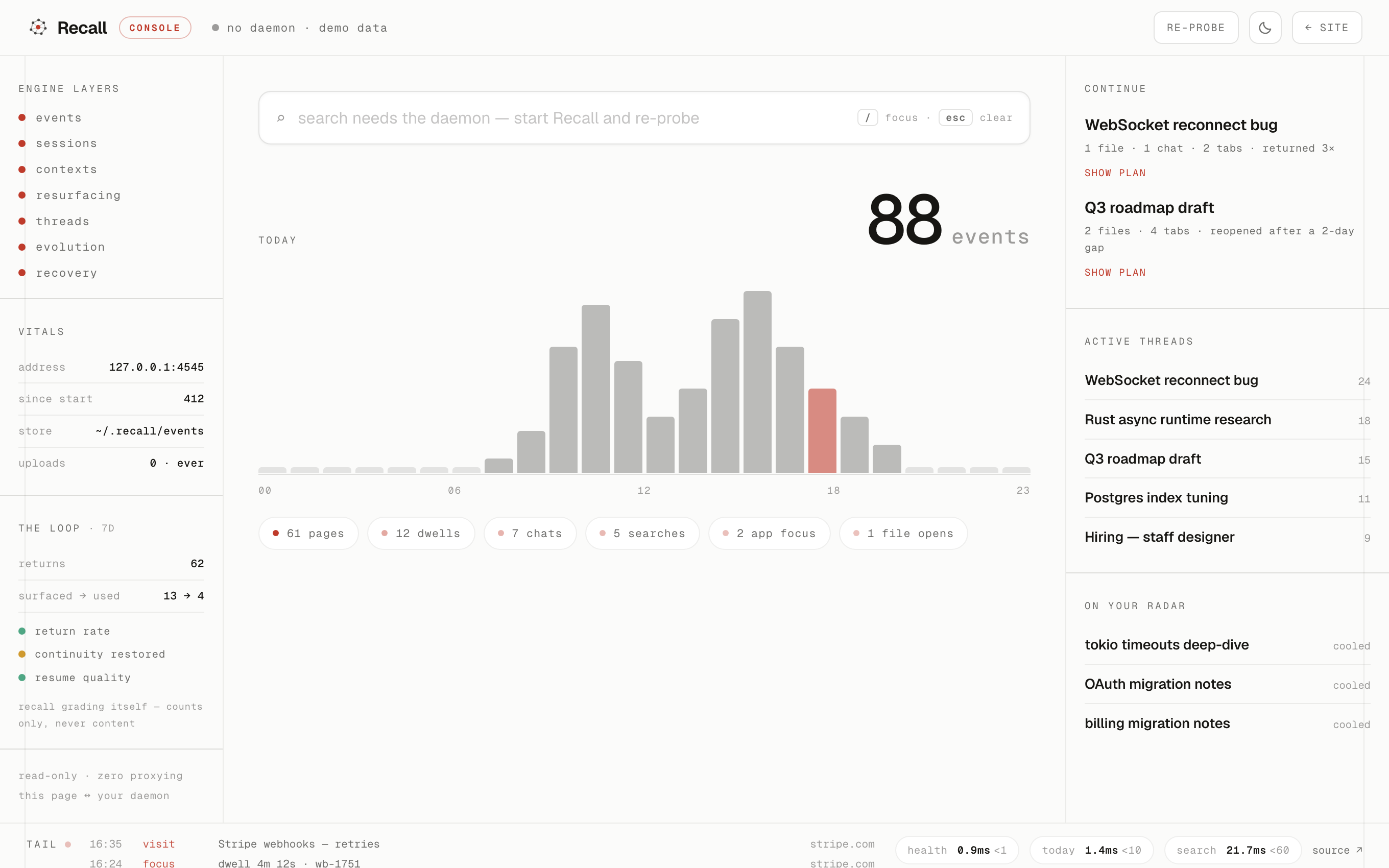
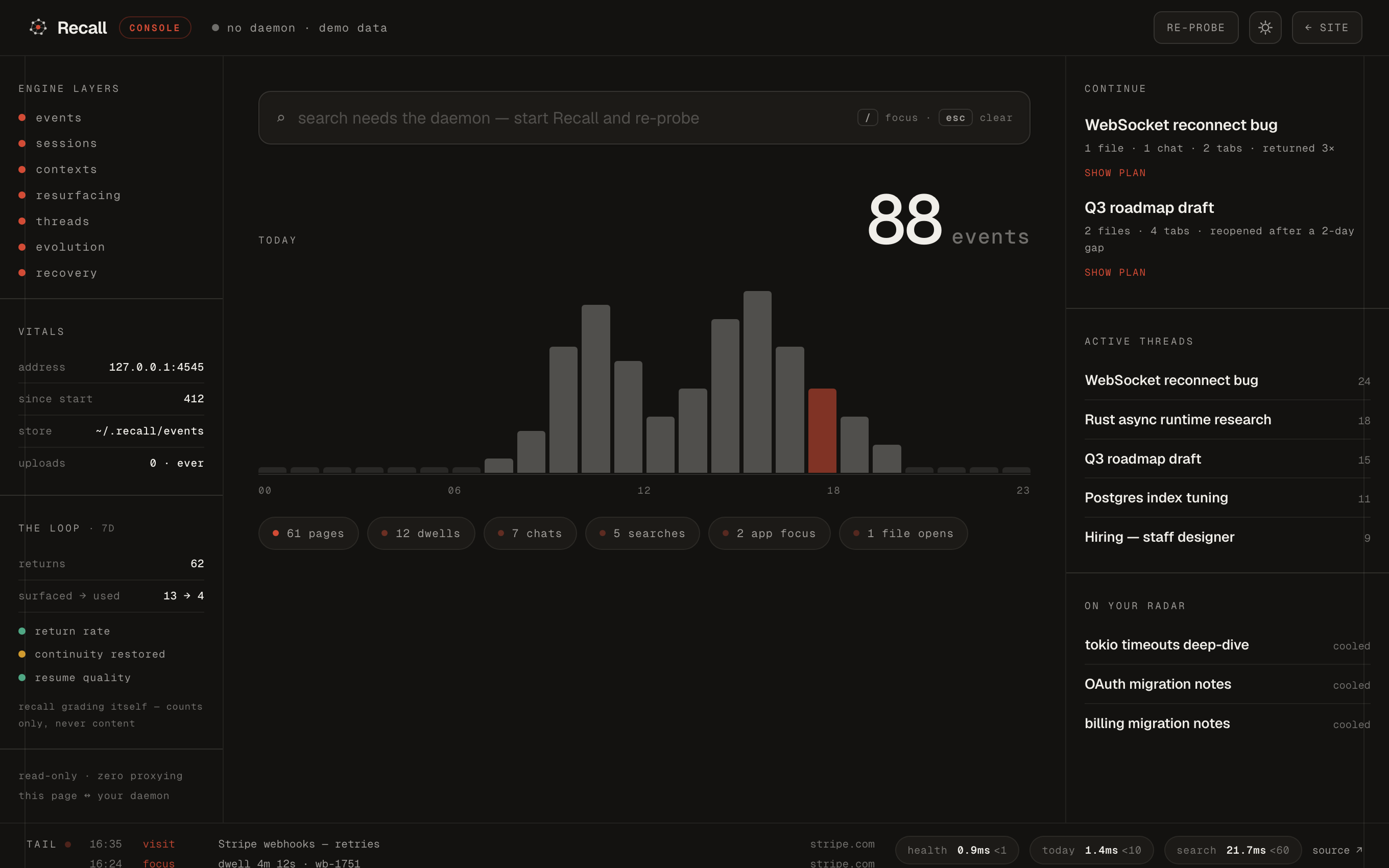
It stays on your machine.
Nothing leaves
No cloud, no sync, no remote inference. The only outbound call is a one-time model download on first run.
Everything readable
Every memory is plain JSONL on disk. Open it, grep it, diff it — there is no opaque database.
Delete is a full reset
All state lives in one folder. Remove it and Recall forgets completely, with nothing left on a server.
Built, deliberately
- →Deterministic engine — same events in, same memory out
- →Plain-text artifacts you can open, grep and diff
- →Performance budgets enforced in tests, per endpoint
- →A durable capture queue — offline means delayed, never lost
- →One keystroke from anywhere — ⌃Space
Refused, deliberately
- ✕No cloud sync, no accounts, no telemetry
- ✕No notifications, badges or streaks
- ✕No recommendation feed
- ✕No LLM chat over your files
- ✕No learned weights guessing what you meant
Total recall, without the surveillance.
The other way to remember everything is to record everything and upload it. We think that's the wrong trade.
Every layer, every budget, every decision — public. Read the code, run the smoke tests, file the issue.
github.com/kunalKumar-13/Recall-me ↗Everything you'd want to ask.
Can it read what's on a page?
No. The extension uses the browser's tabs API — URL and title only. There are no content scripts and the DOM is never touched. You can read the whole capture worker in a few minutes; it's plain JavaScript in the repo.
Where does my data live?
In one folder — ~/.recall/ — as plain JSONL text files. Open them in any editor. Deleting the folder is a complete, immediate reset. Nothing exists anywhere else.
What if the app isn't running?
The extension keeps capturing into a durable queue inside the browser and delivers everything the moment the daemon is back. A "queued" pill in the popup tells you exactly how many events are waiting. Nothing is dropped.
Is this AI? Does it learn about me?
No models make decisions about your memory. The engine is deterministic heuristics — the same events always produce the same threads. The only model on your machine is a small local embedding model for file search, downloaded once.
Does it slow anything down?
Capture writes take under 2 milliseconds. Recalling your work is budgeted under 100 milliseconds — the budgets are enforced by the test suite, and a miss is treated as a bug.
Which browsers work?
Chrome, Edge, Brave, Arc — anything Chromium with Manifest V3. Incognito is never captured, and you can exclude any domain in settings.
Your mind, rethreaded.
Install once, leave it running for years. Plain files, one folder, zero cloud — and one keystroke back to the work.
Alpha · Apple Silicon · macOS 11+ · unsigned — on first open, right-click Recall → Open once.